 AI Product Visualizer
AI Product Visualizer
AI Product Visualizer
Turn a single product photo into a detailed AI prompt, or turn a written idea into a studio-quality product shot — no camera, lighting rig, or design team required.
Three steps take you from raw photo or idea to a finished visual or ready-to-use prompt.
Drop in a product photo, or write a short description of the scene you want to create.
Our model analyzes lighting, composition, and materials, or renders your prompt directly.
Copy the prompt into any generator, or download your image and put it straight to work.
Upload an existing shot and get back a detailed, structured prompt describing lighting, angle, materials, and composition — ready to paste into Midjourney, Flux, or Stable Diffusion.
Upload your product photo to generate a high-fidelity AI prompt.
Drag a product photo here, or choose a file
Describe the scene, surface, and lighting you want, and render a studio-quality product visual without booking a shoot.
From cosmetics to consumer tech, the same workflow adapts to your product's materials and mood.
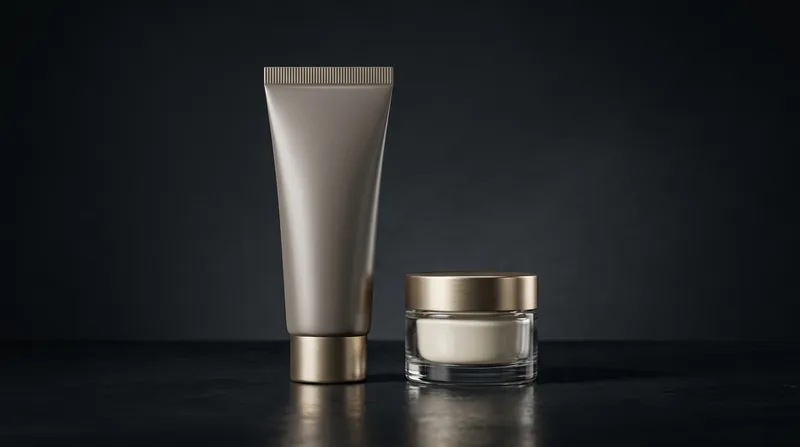
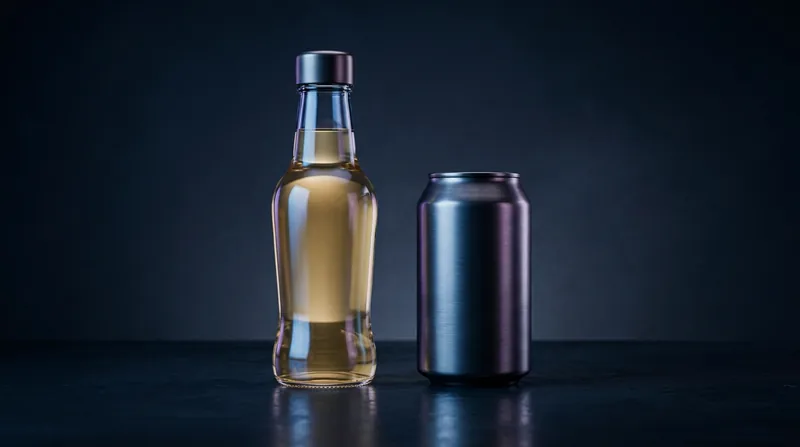
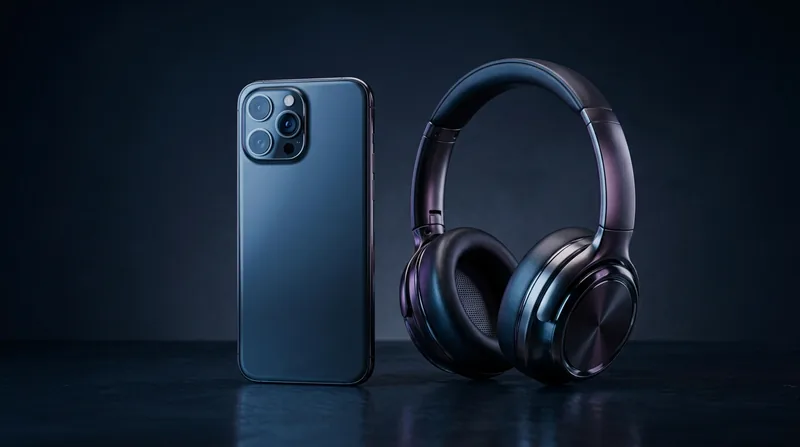
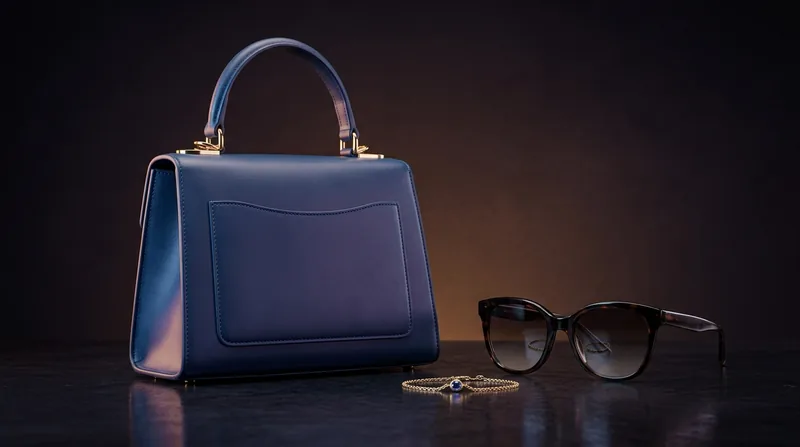
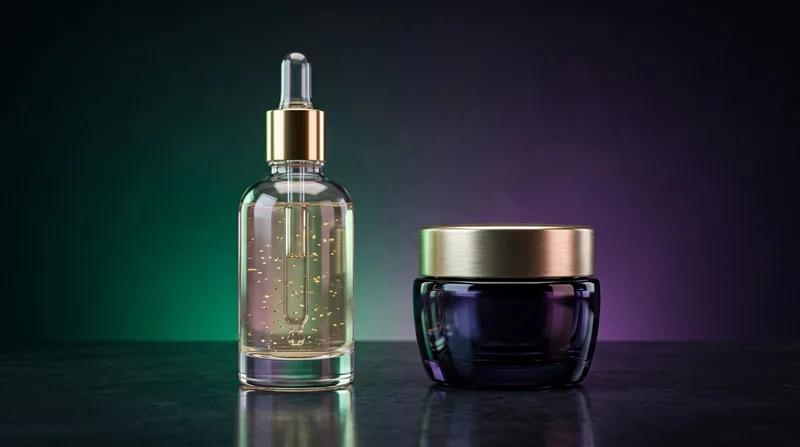
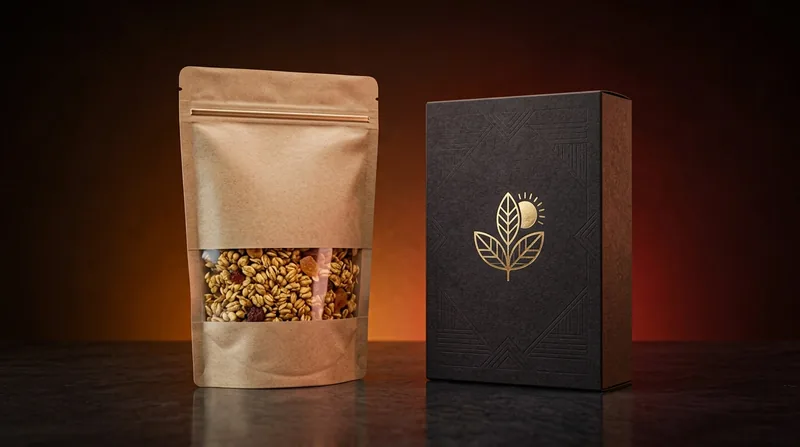
Everything you need to produce and iterate on product visuals without a studio.
Studio-grade results without booking a photographer or renting equipment.
Get prompts compatible with Midjourney, Flux, and Stable Diffusion in one click.
Go from idea to finished image in seconds, not days.
Assets sized and styled for ads, listings, and social campaigns.
Produce consistent product visuals across your entire catalog.
Explore directions and colorways before committing to a full shoot.
AI Product Visualizer provides an automated workspace for e-commerce store owners, digital marketers, and creators to convert raw product photographs into studio-grade visual assets and detailed generative prompts.
An image-to-prompt generator analyzes the visual components of an uploaded picture—such as subject placement, lighting style, camera angle, color palette, and texture—and translates them into a descriptive text prompt.
Yes. All prompts and images rendered through AI Product Visualizer are royalty-free and available for commercial use across Amazon, Shopify, social media campaigns, and print-on-demand stores.
Be specific about lighting (e.g., "soft studio box lighting"), surface materials (e.g., "marble slab background"), and camera setup (e.g., "macro 85mm lens shot") to achieve optimal photorealism.
Start free — no credit card required.